Unlock Effortless
Project Control
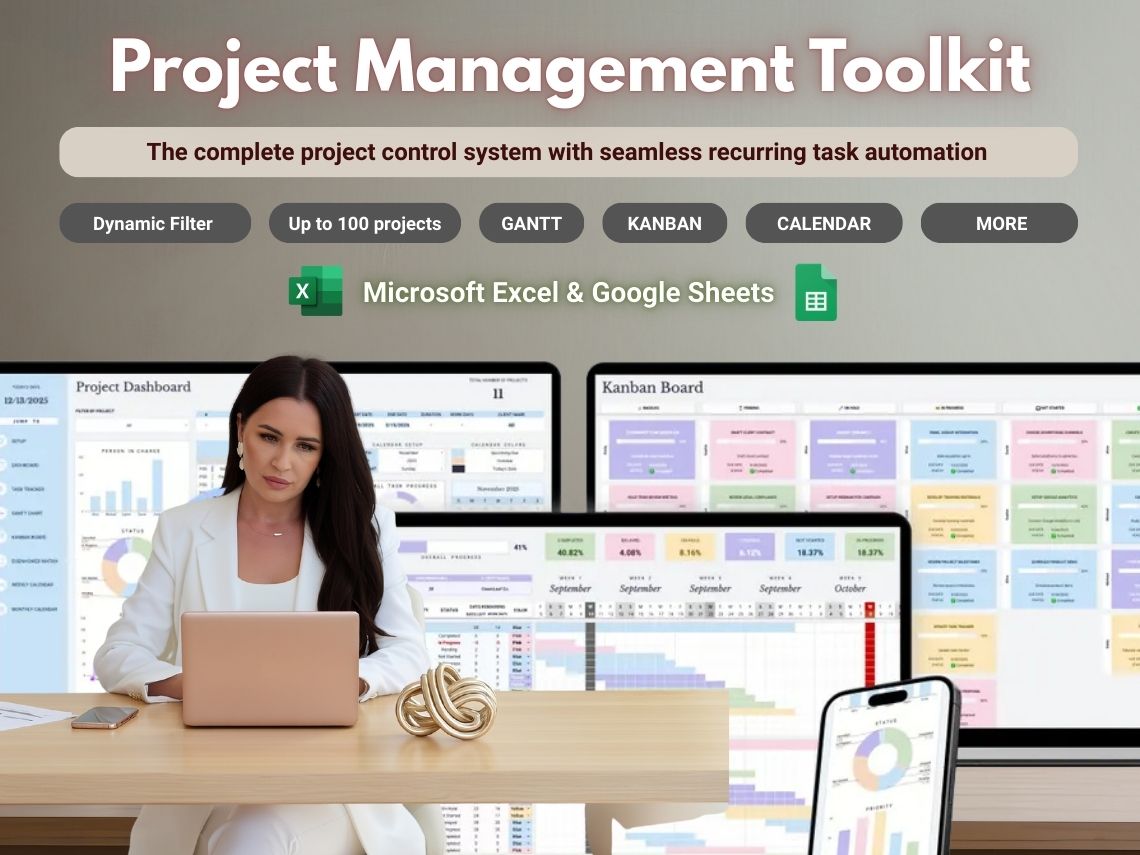
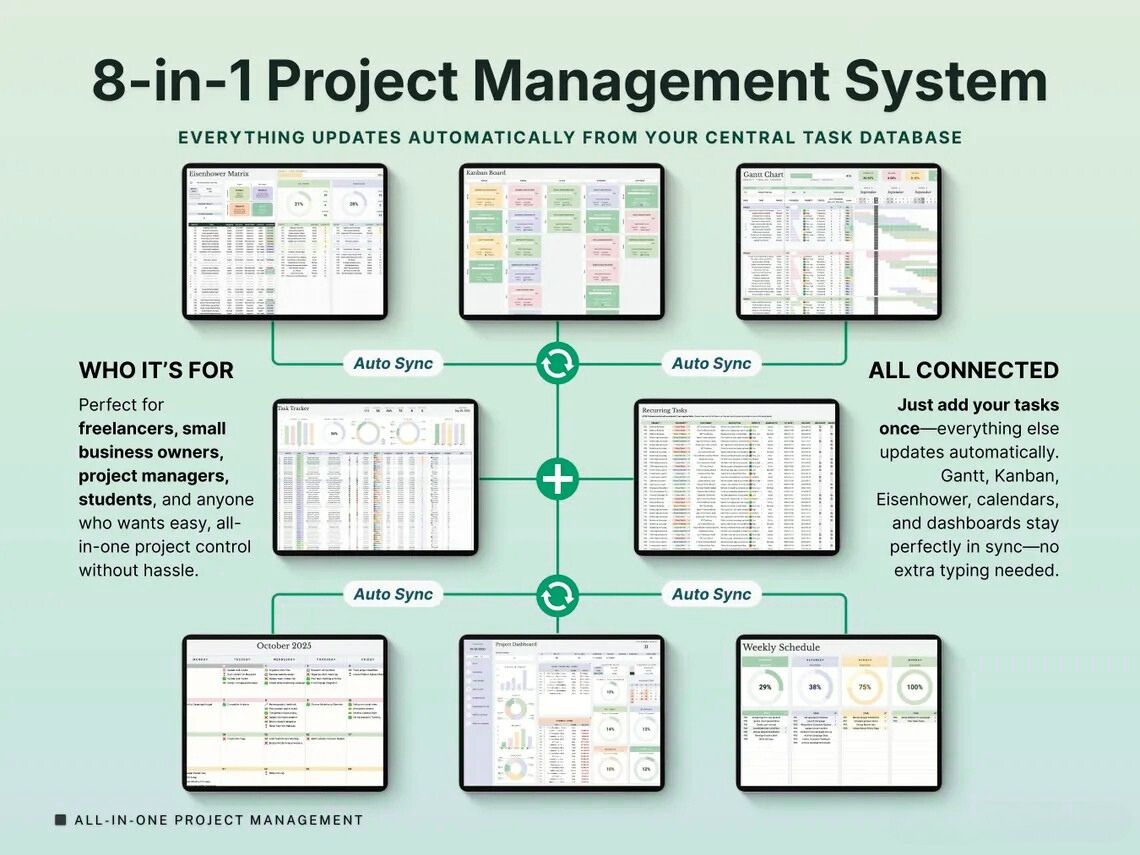
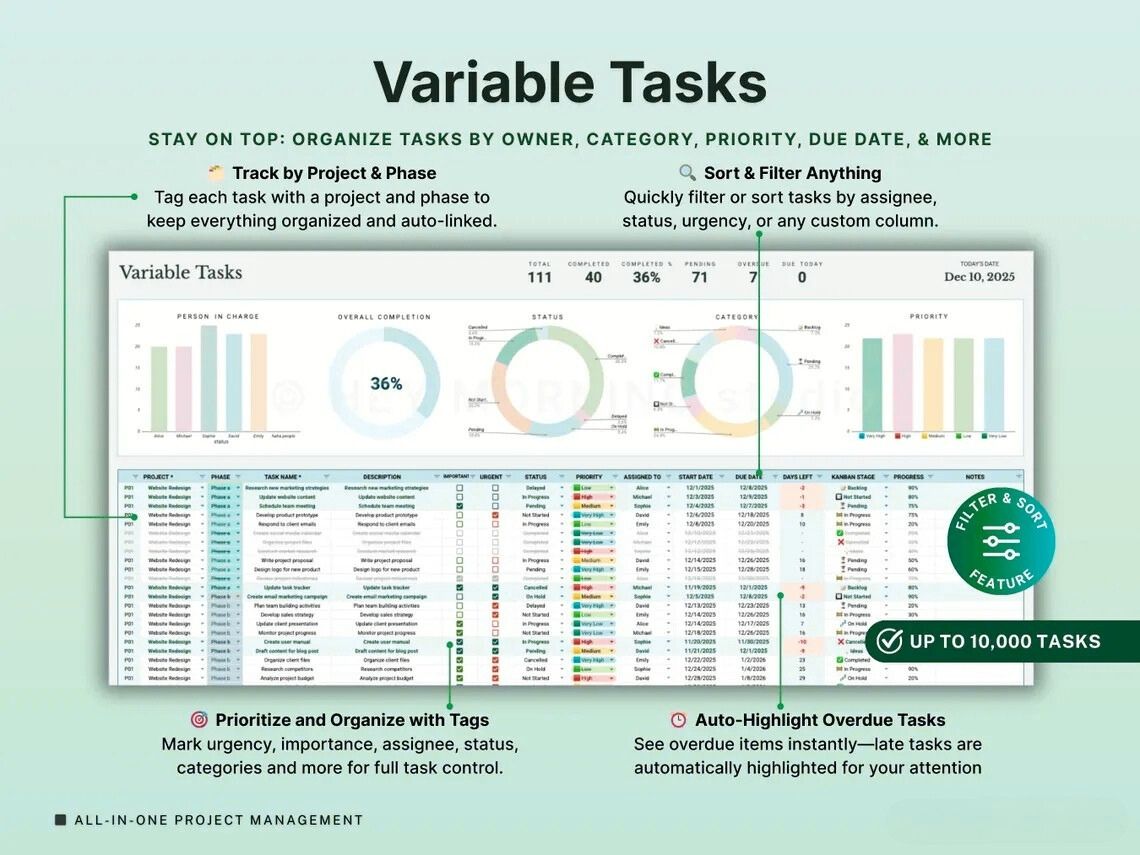
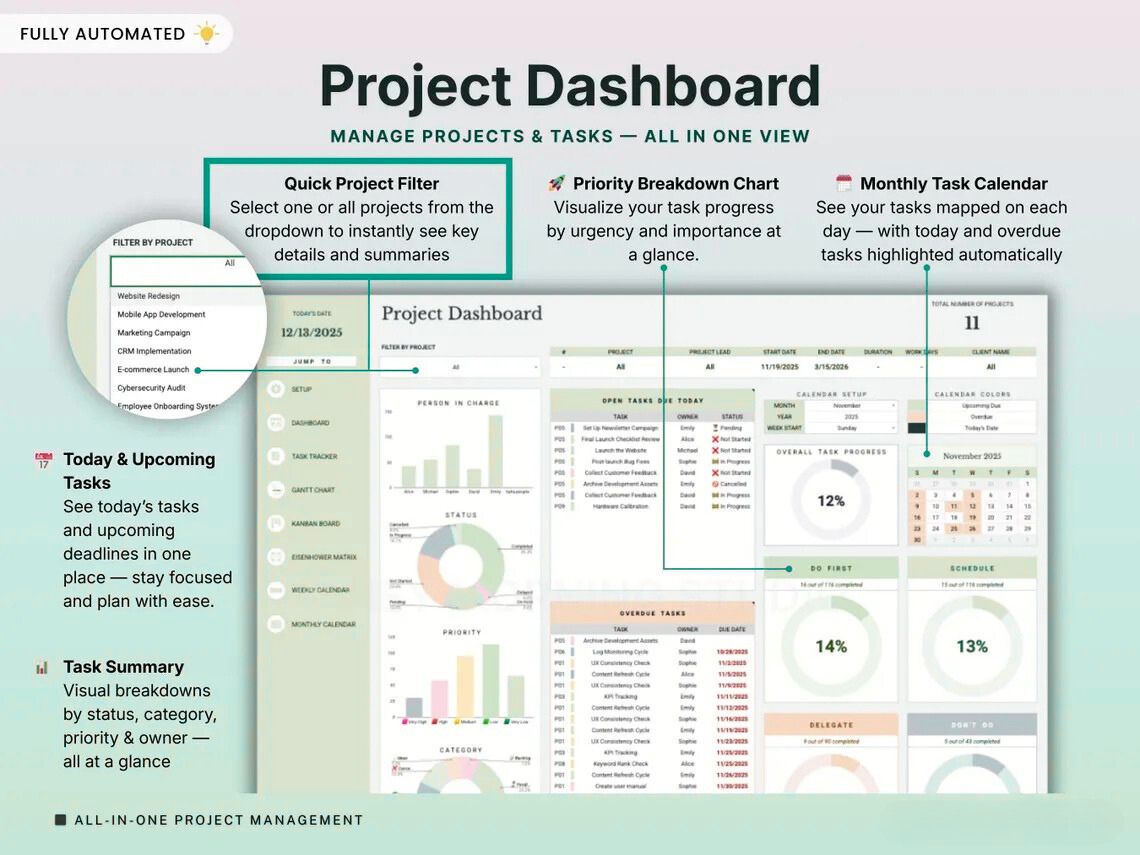
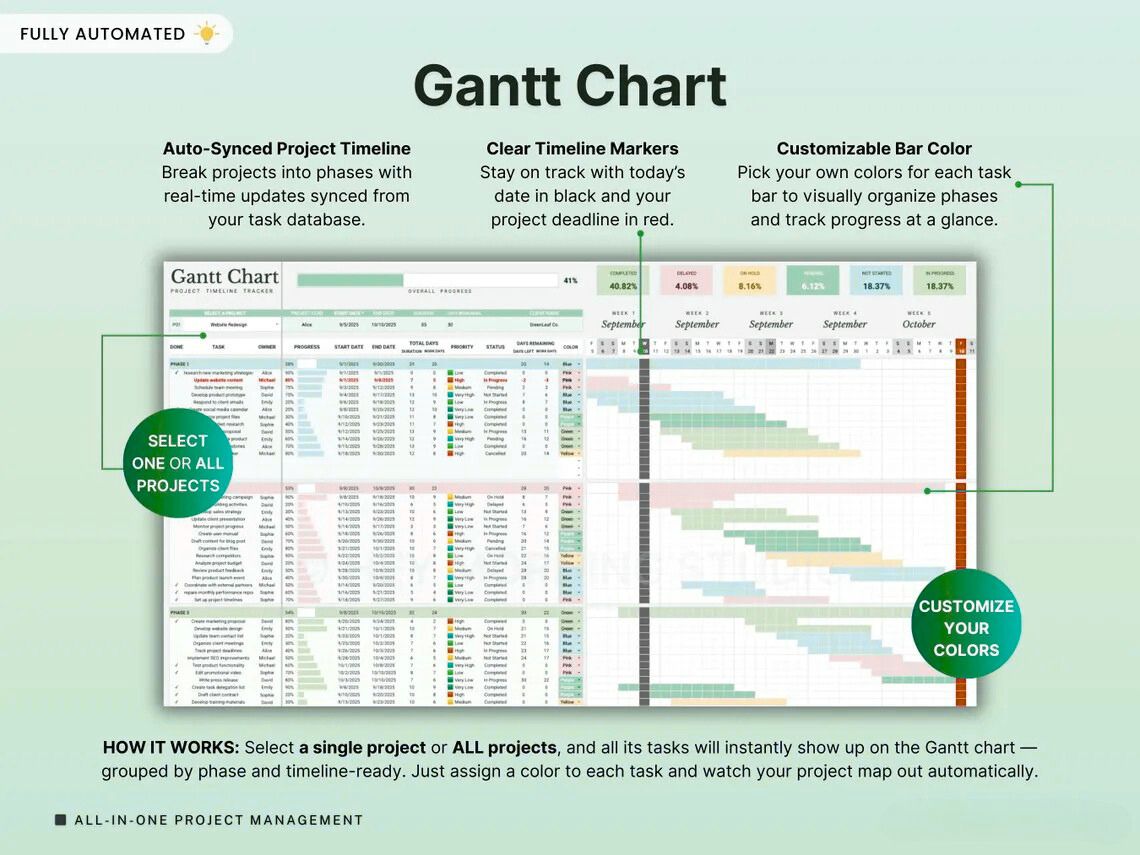
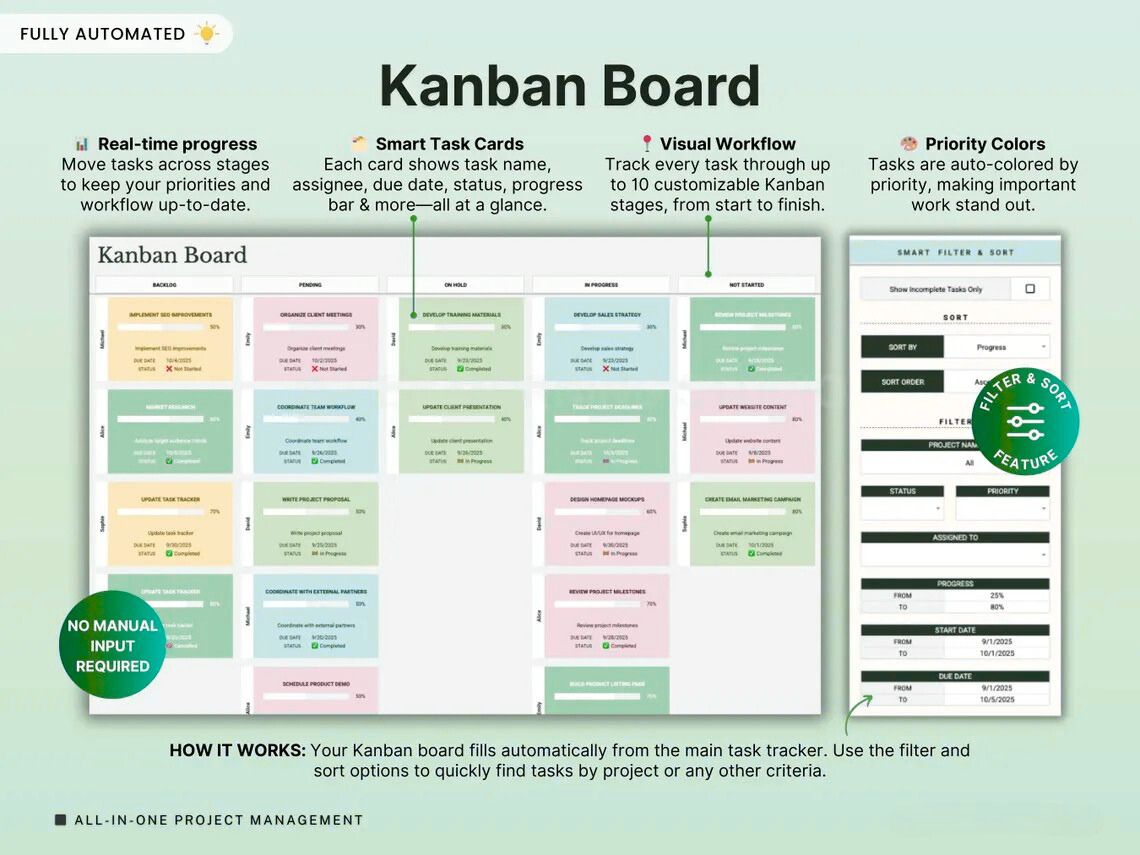
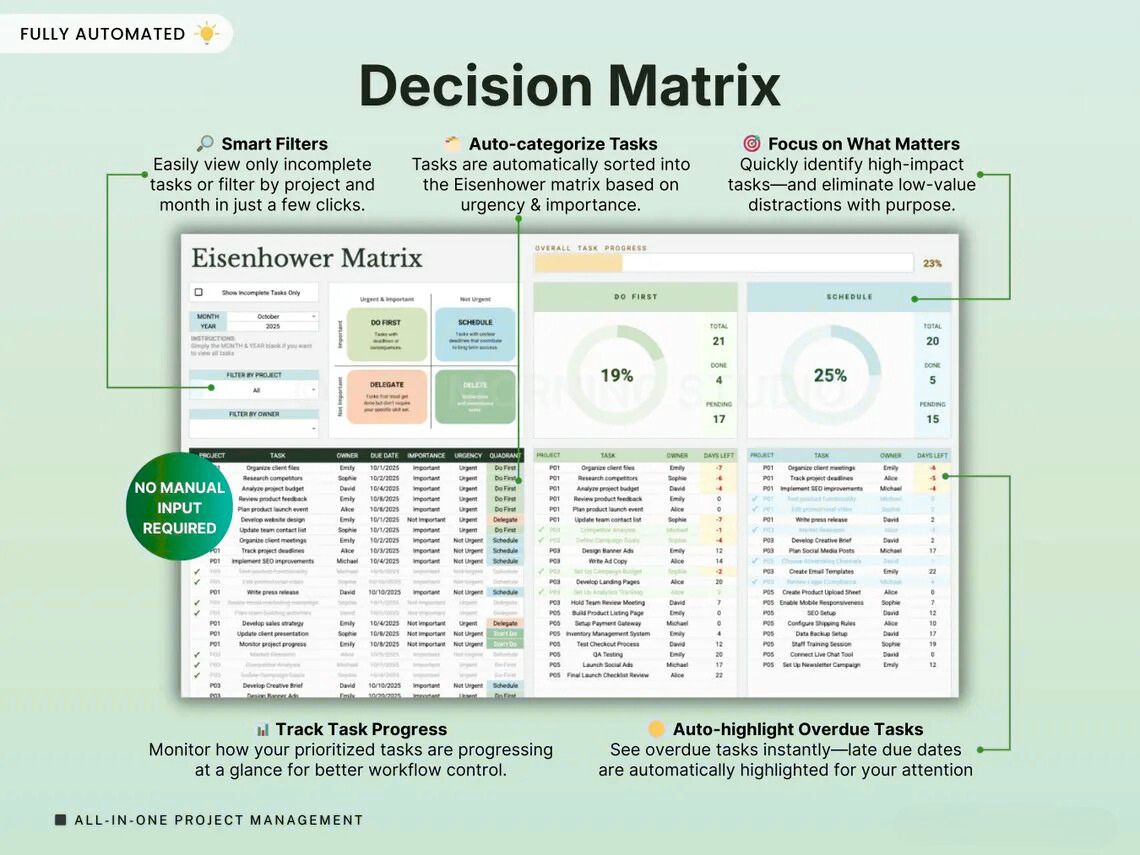
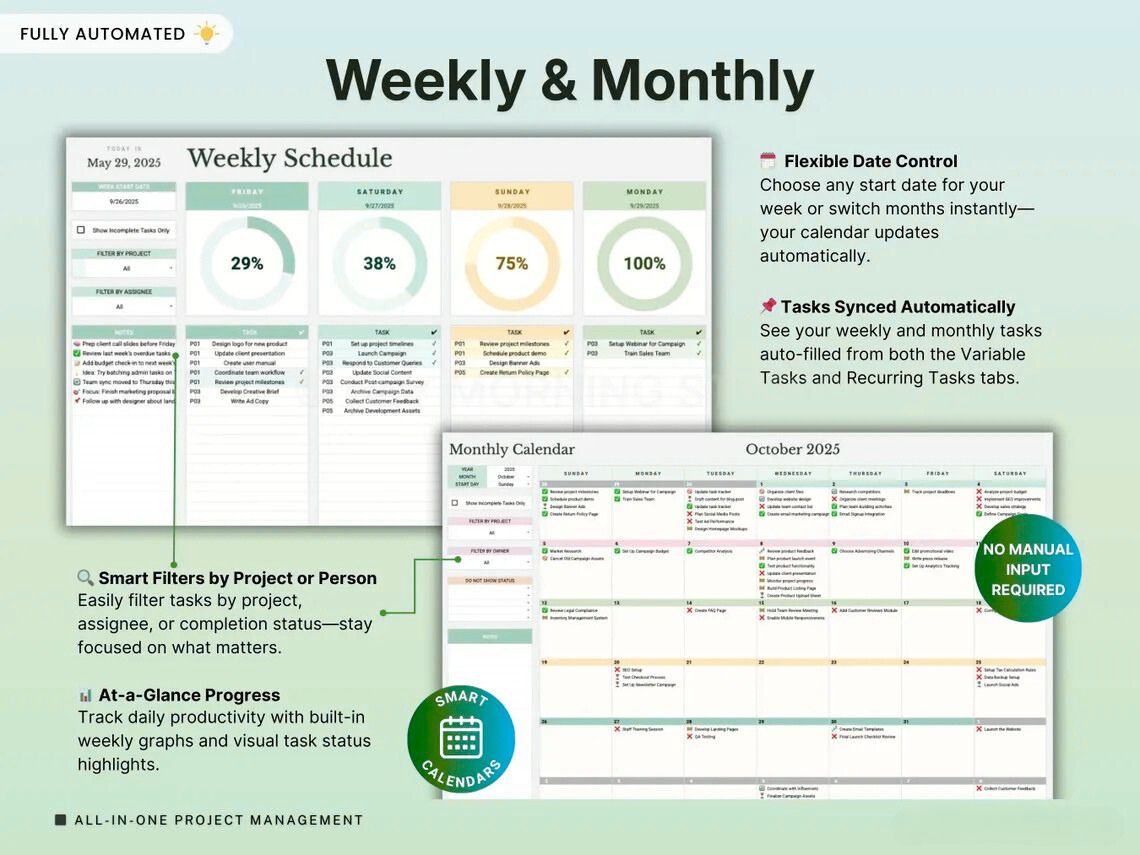
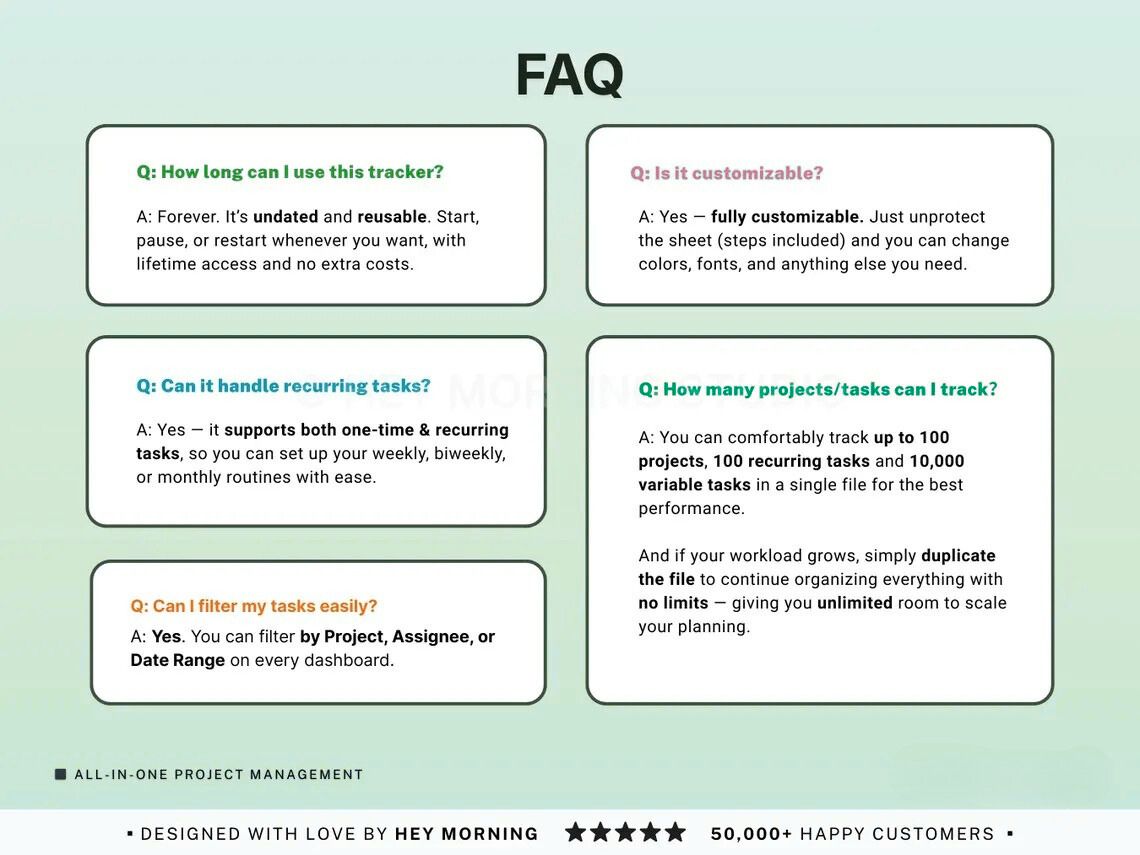
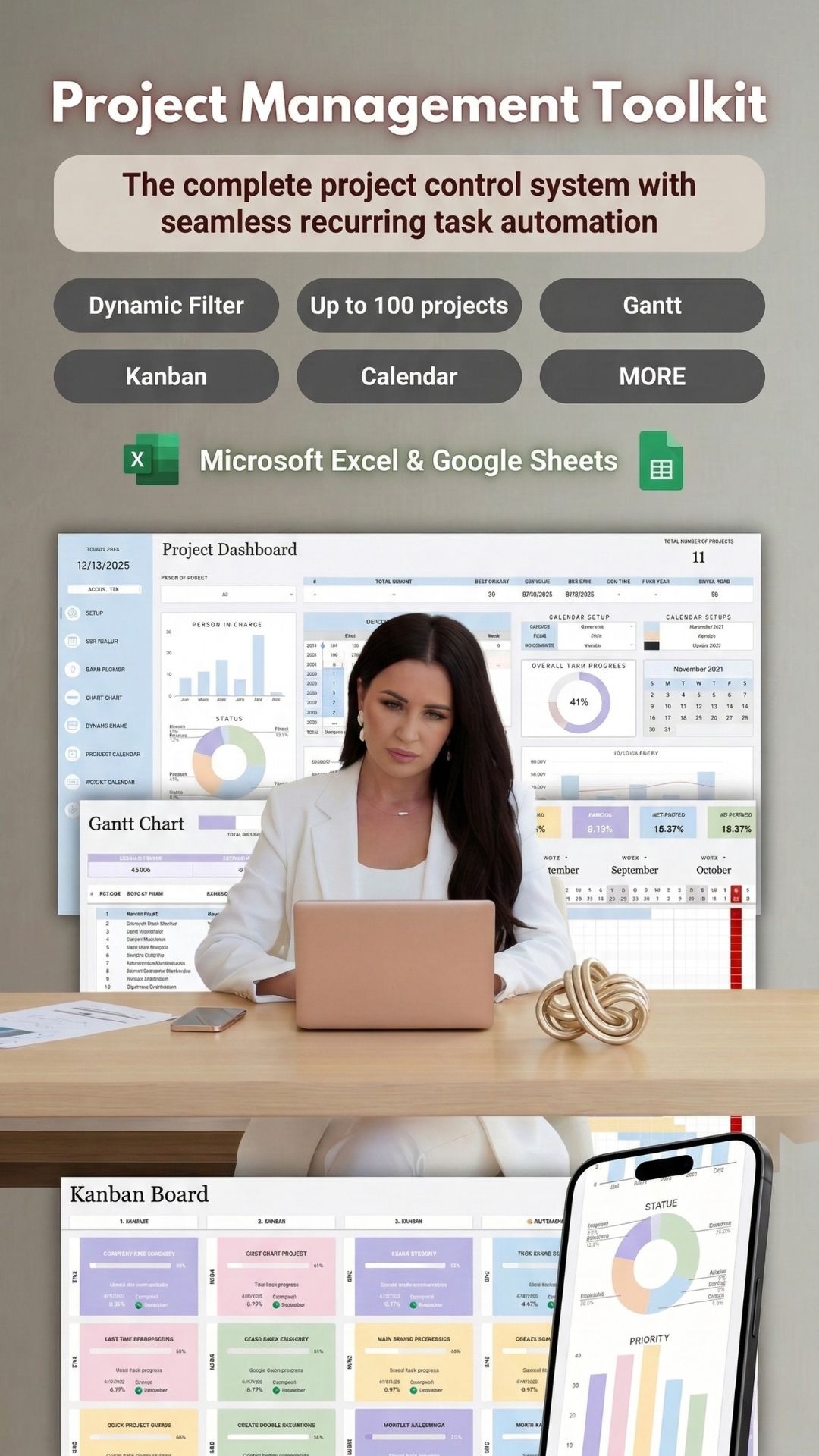
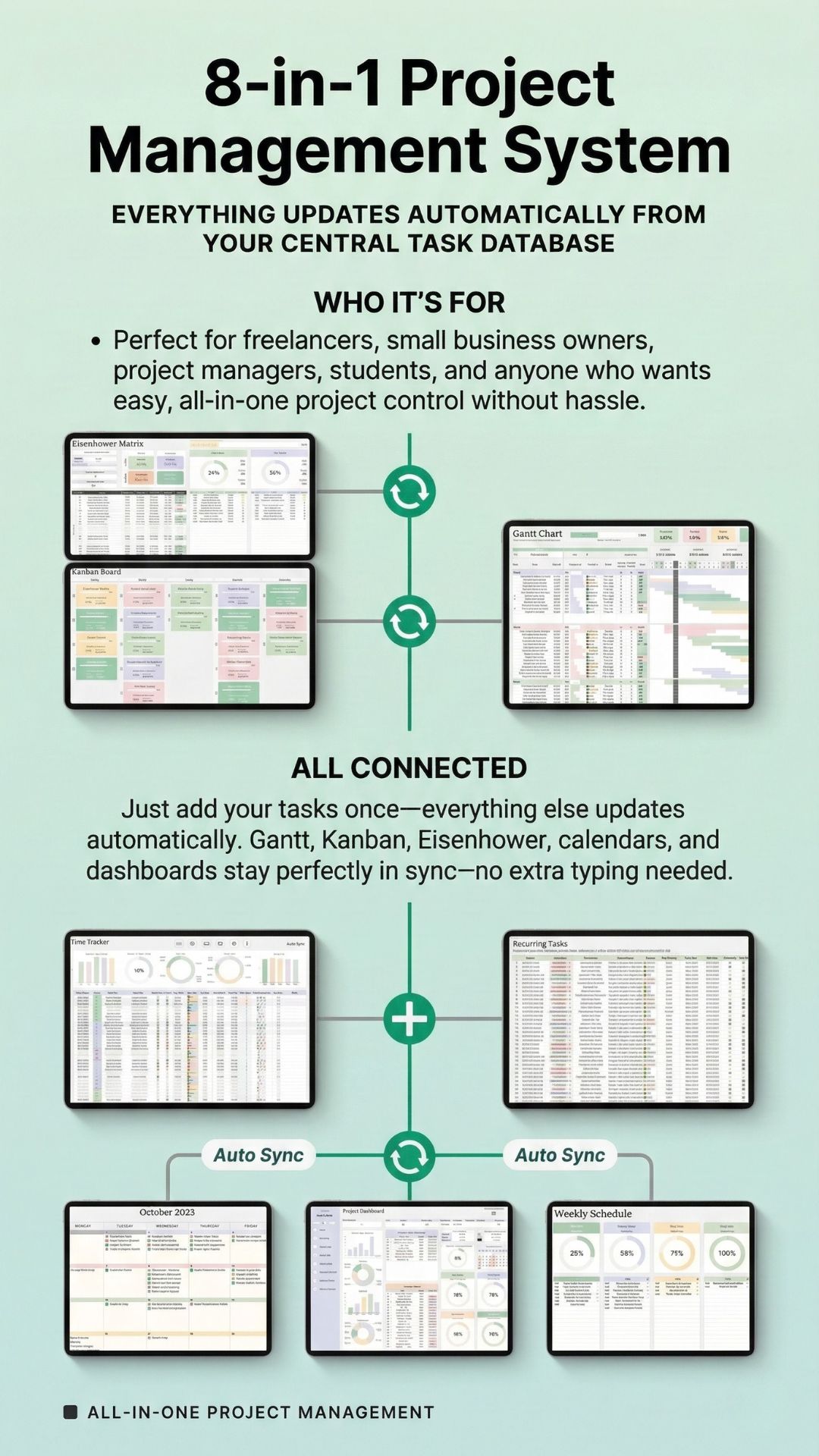
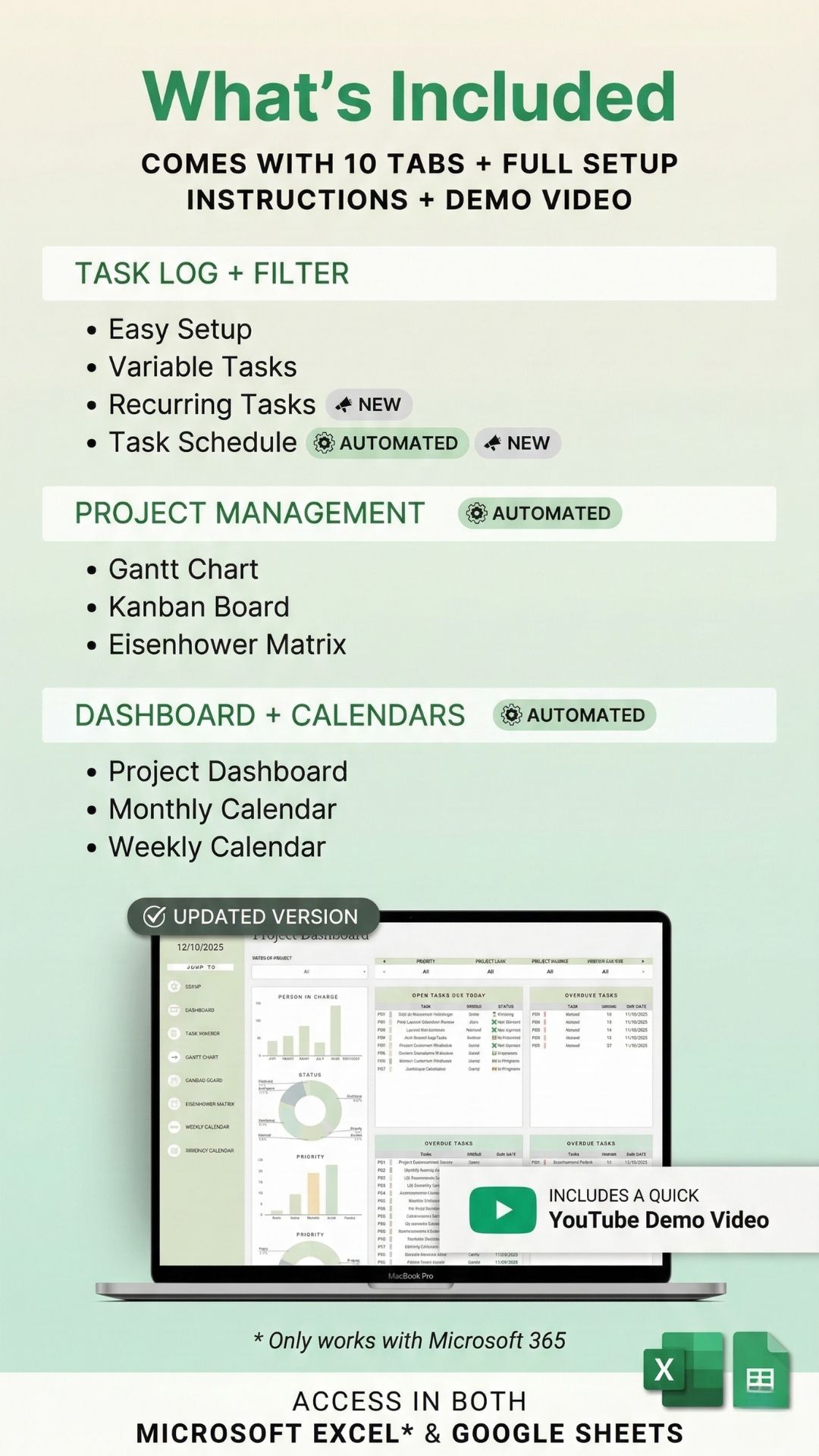
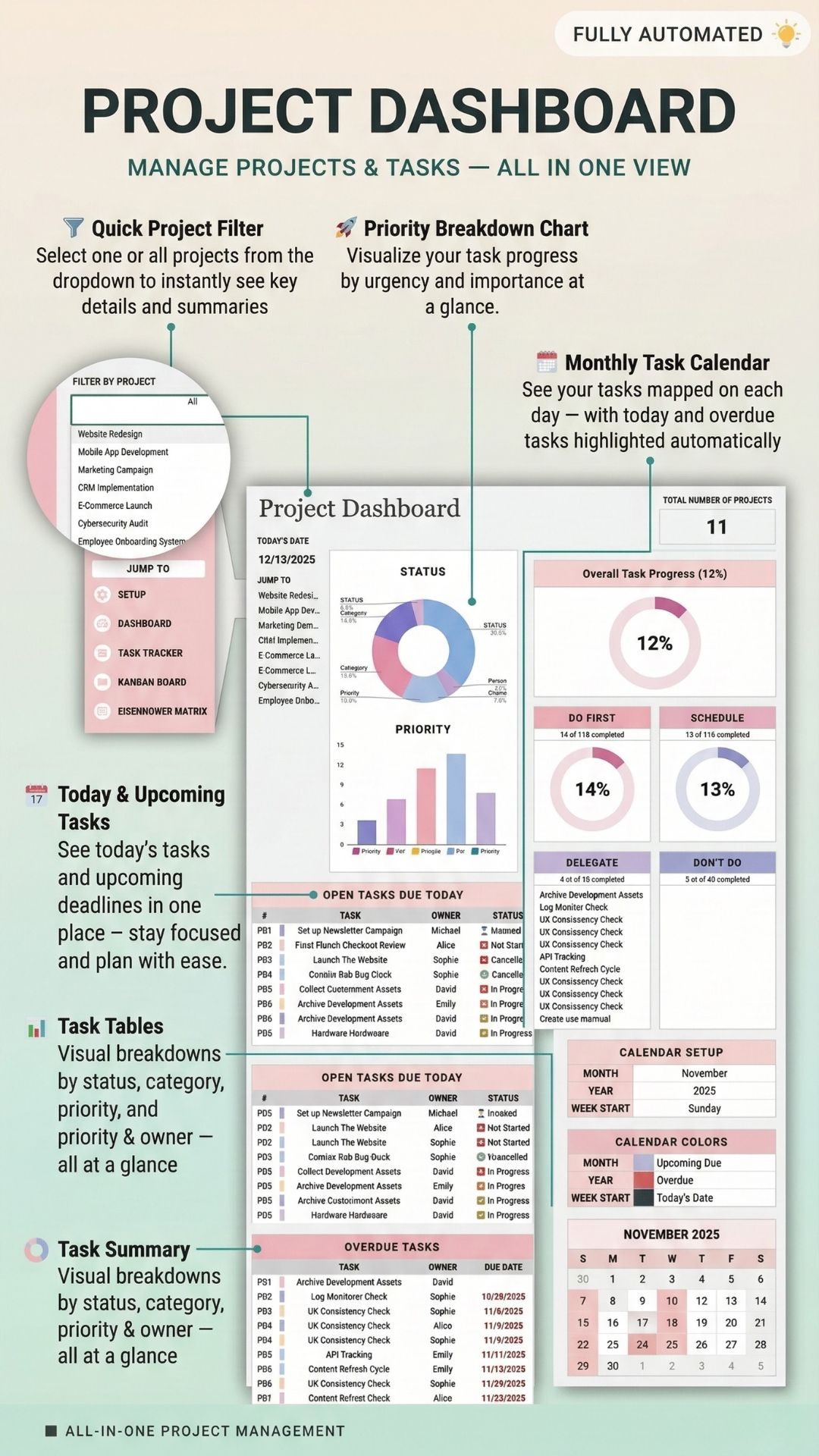
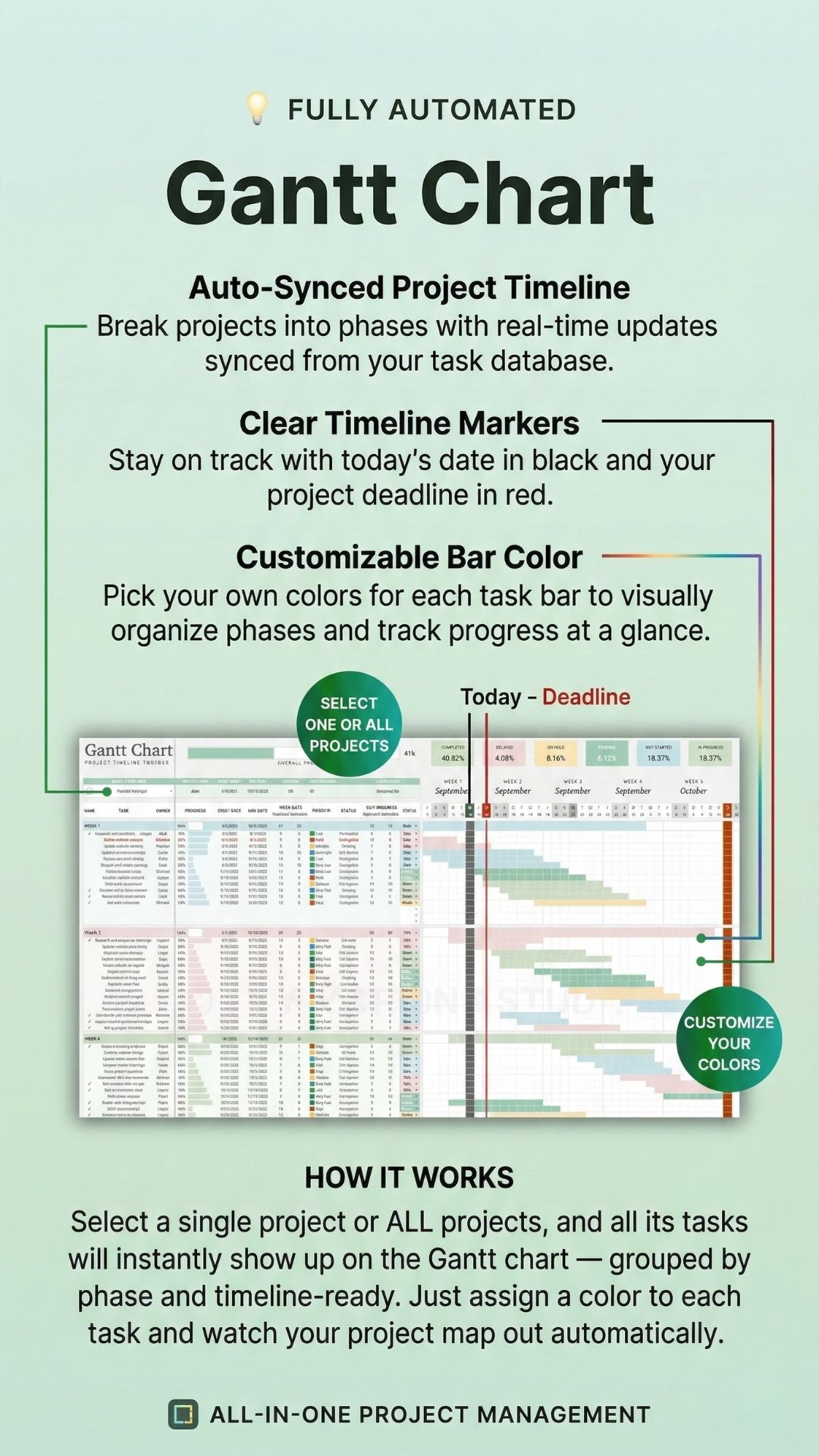
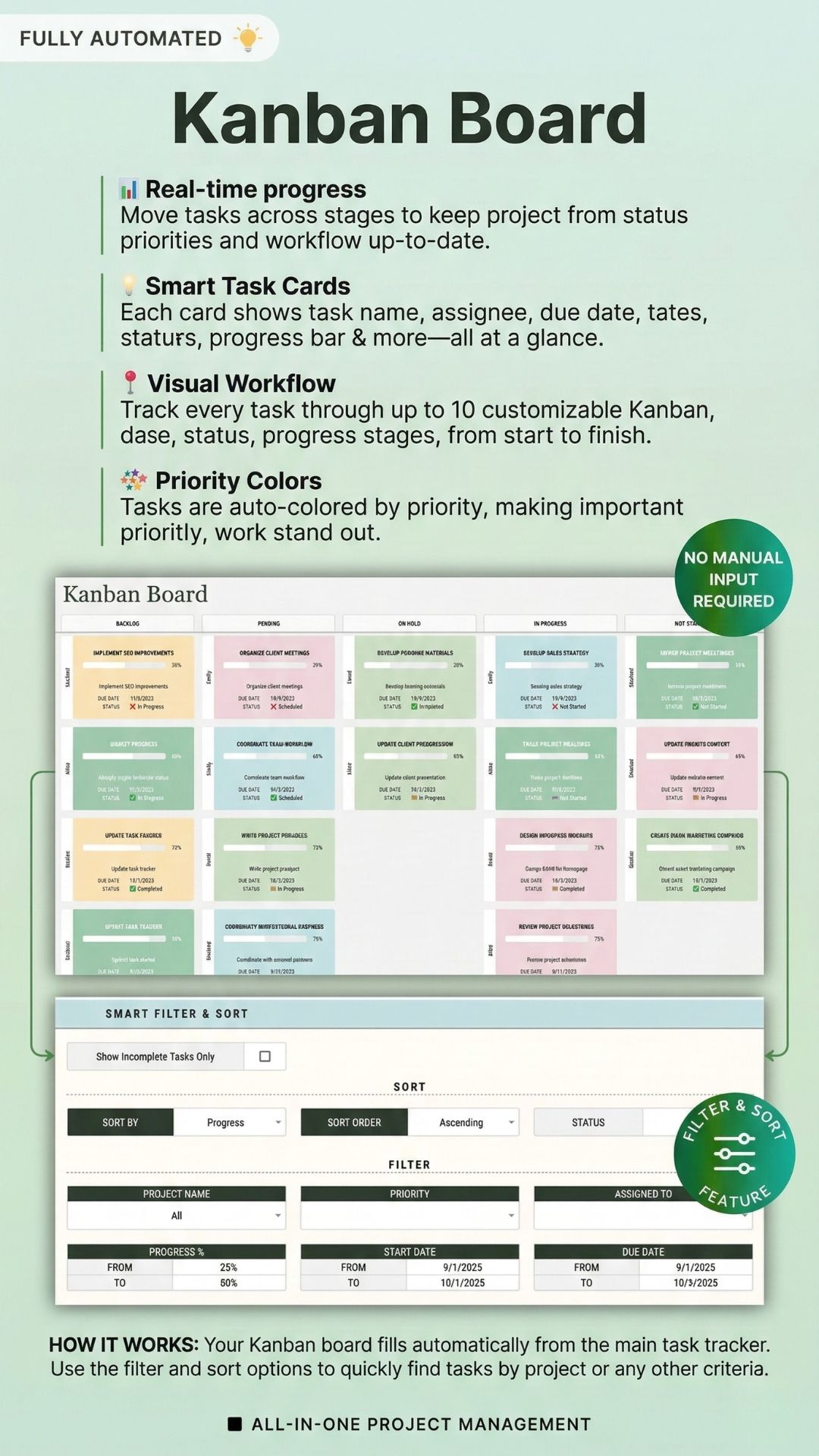
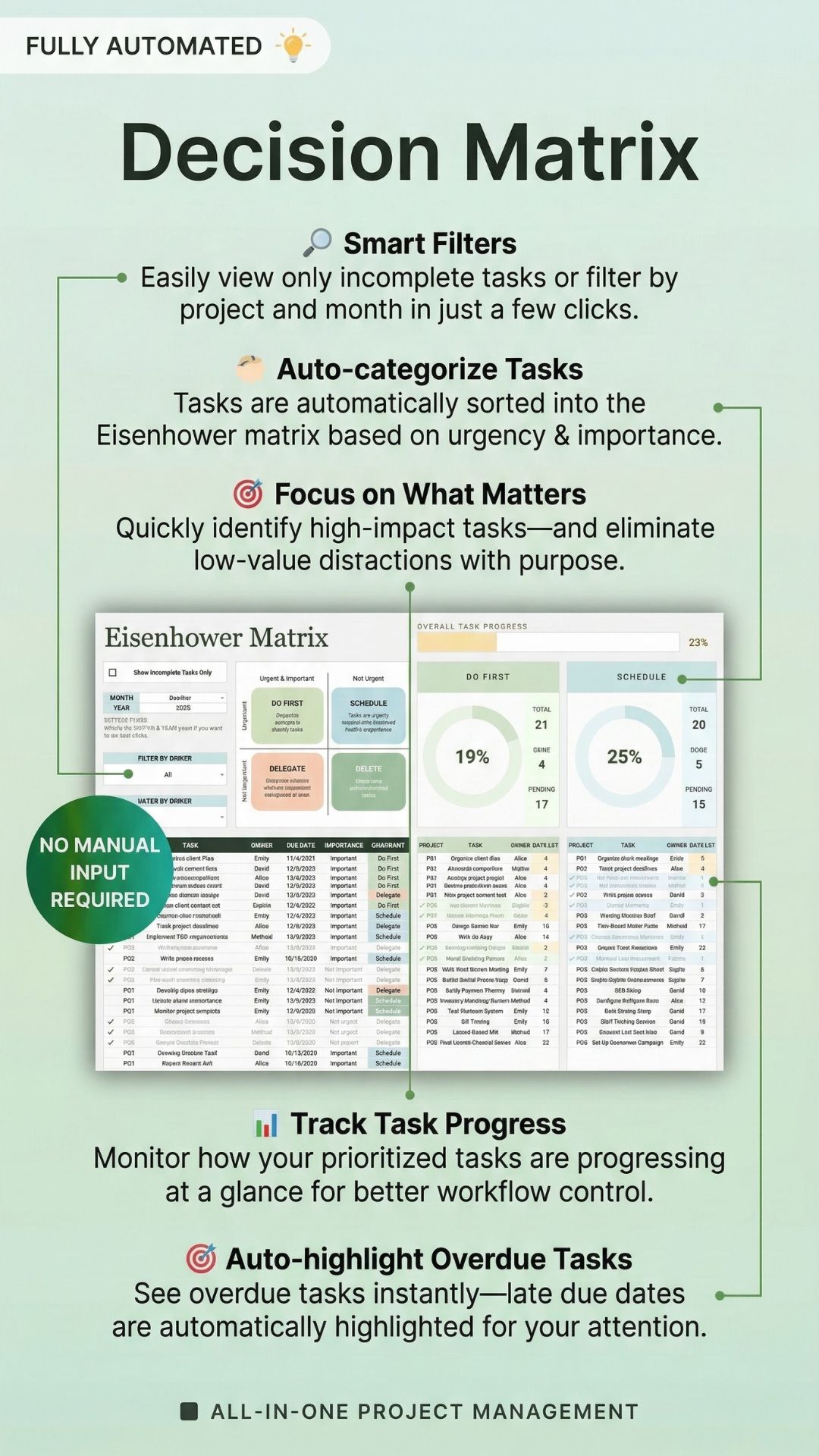
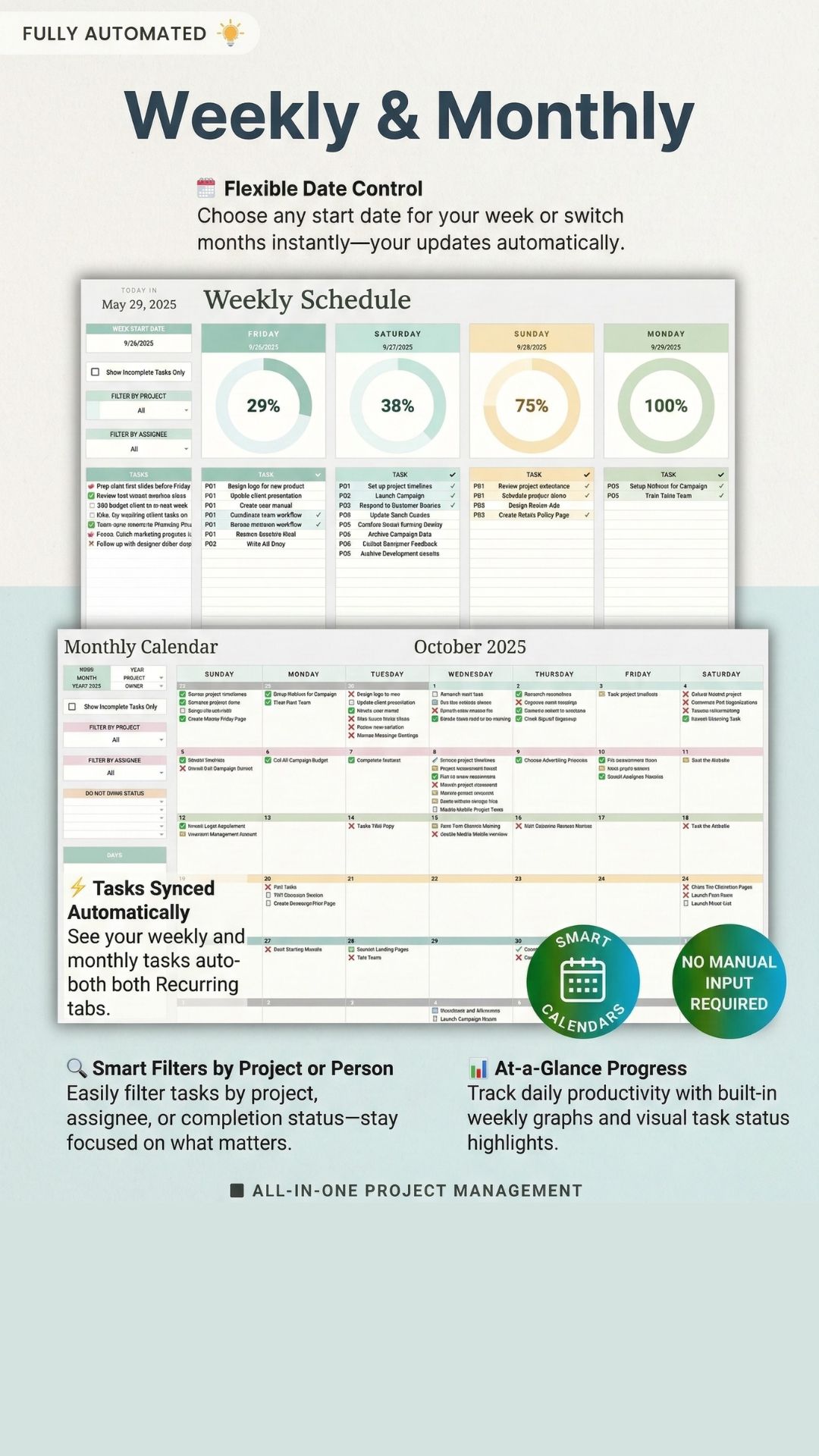
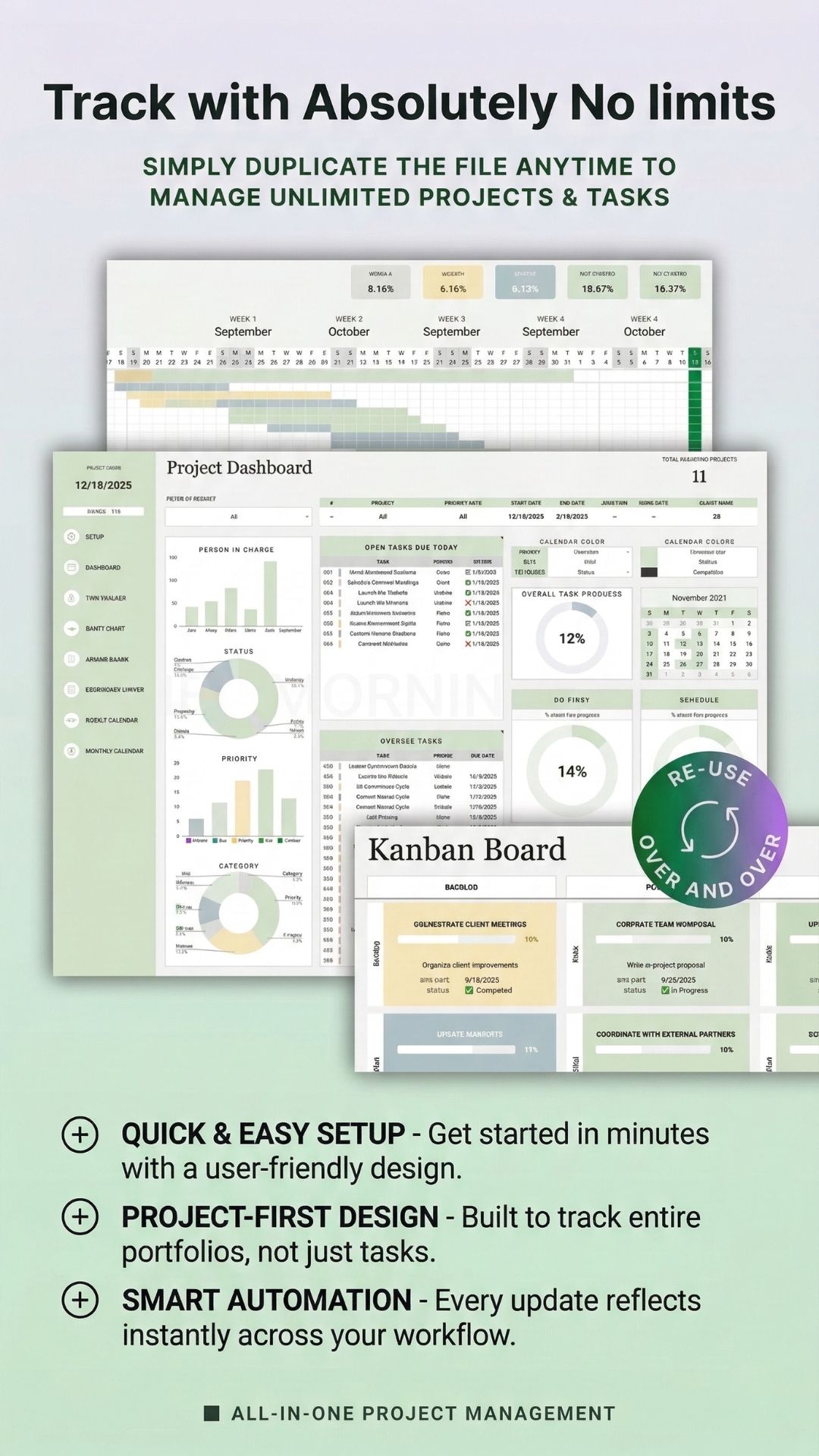
One central spreadsheet — enter your tasks once and every view updates automatically. Gantt, Kanban, Eisenhower, calendars, and your dashboard stay perfectly in sync.
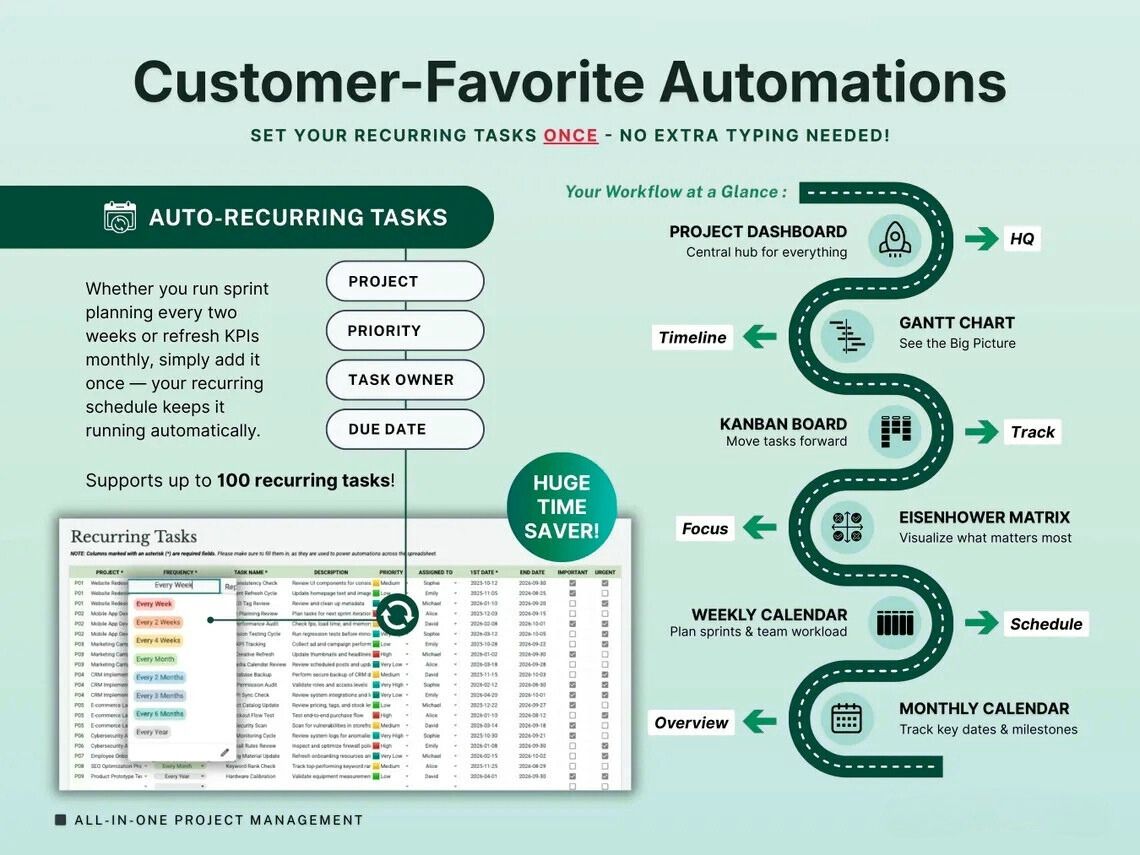
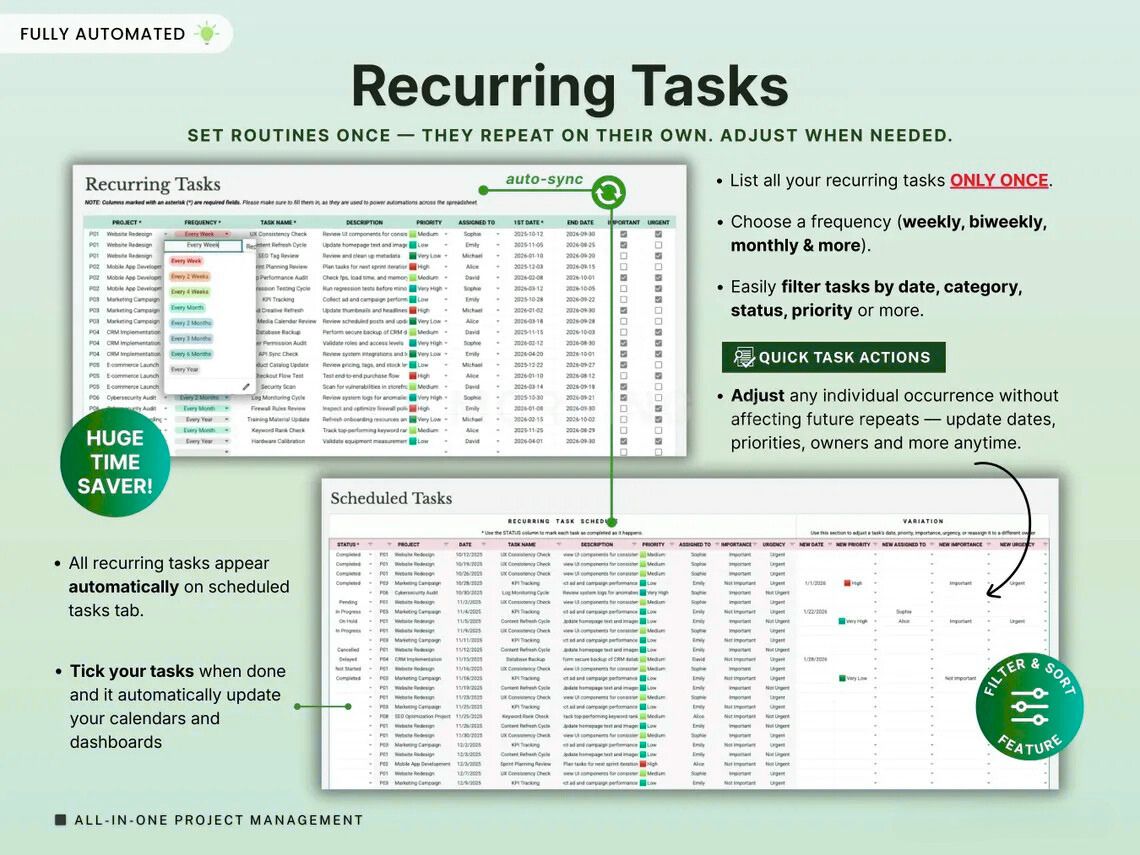
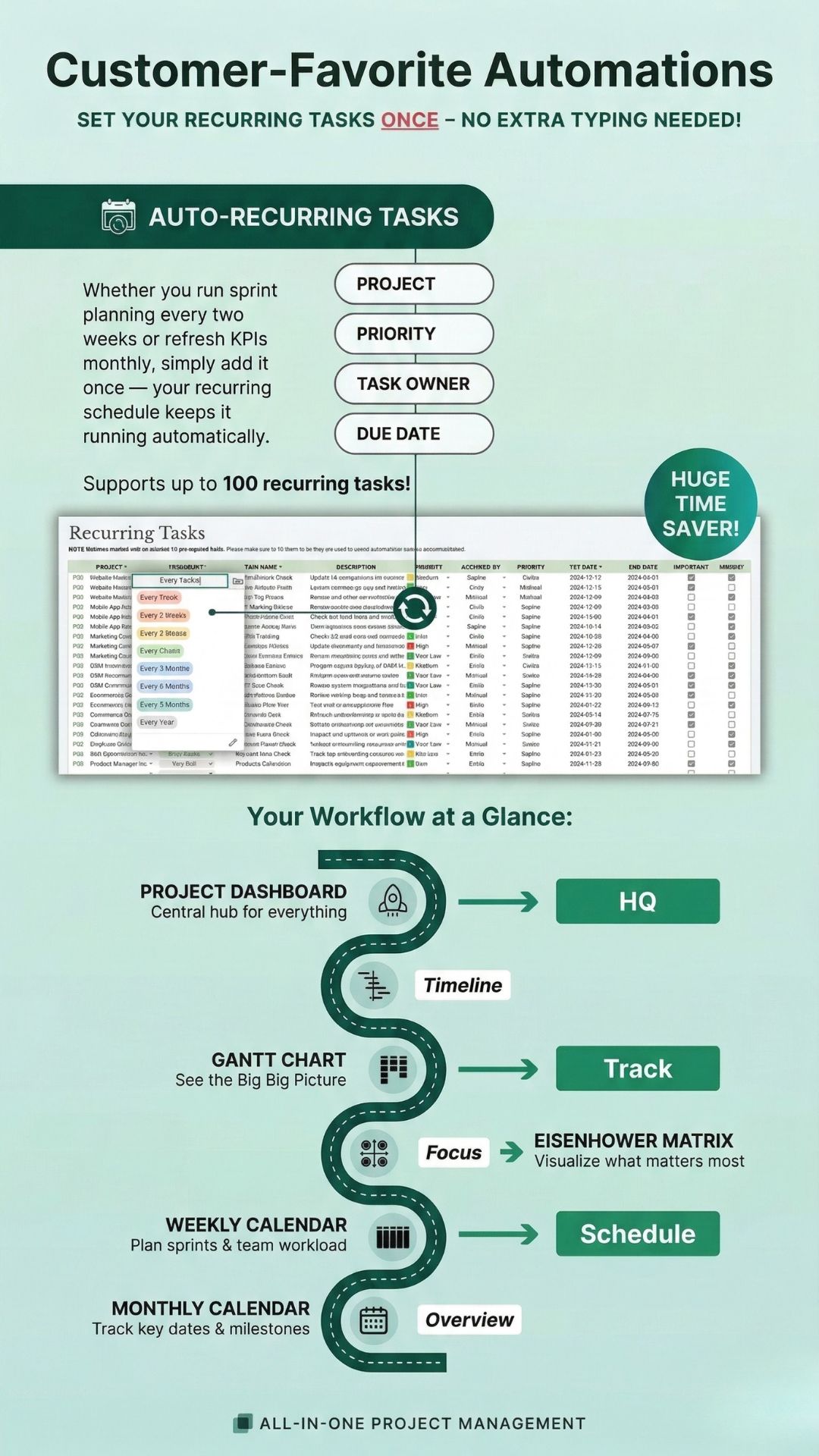
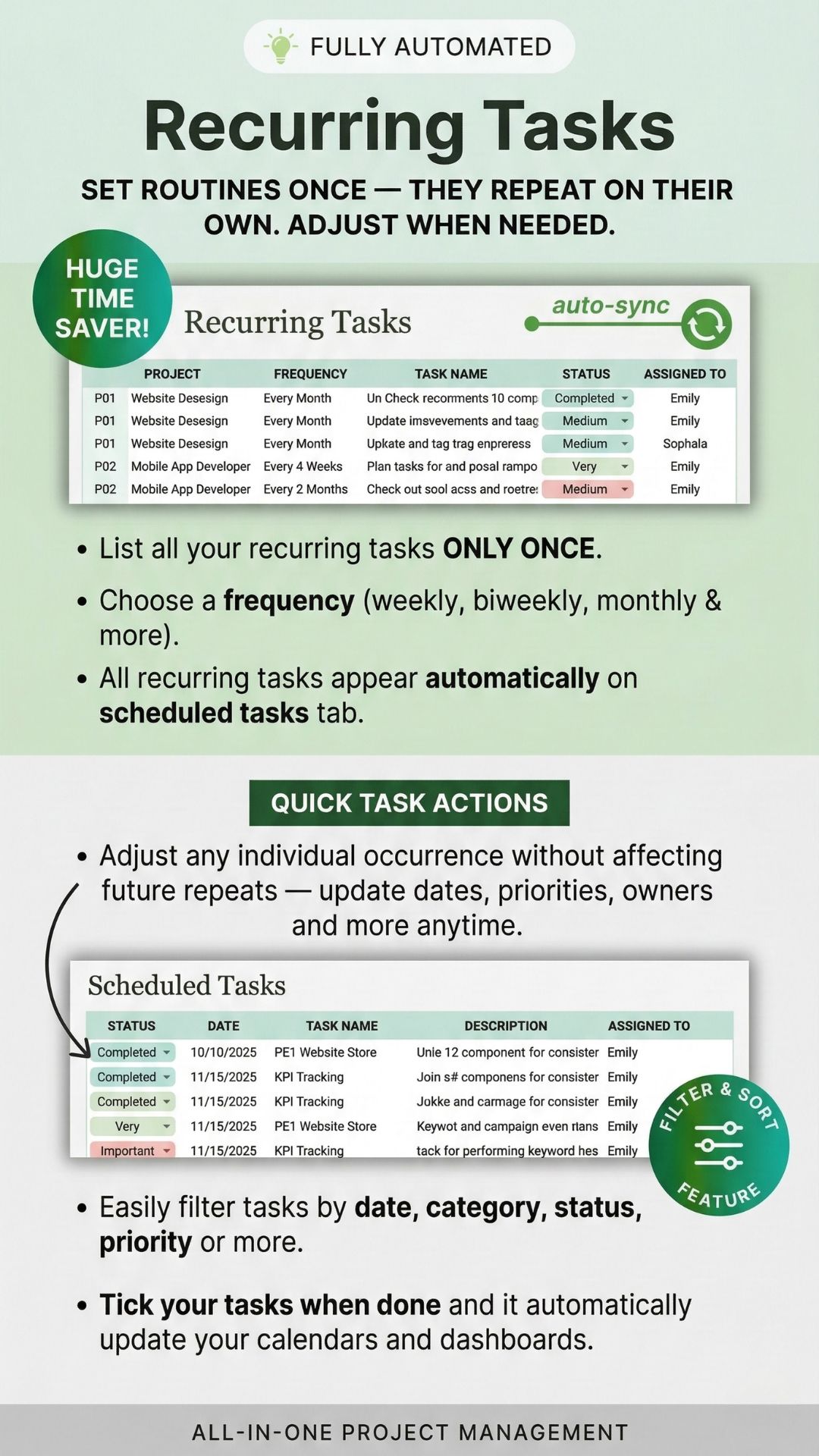
- Auto-recurring tasks — set once, repeat on schedule forever
- Everything auto-syncs from one central task database
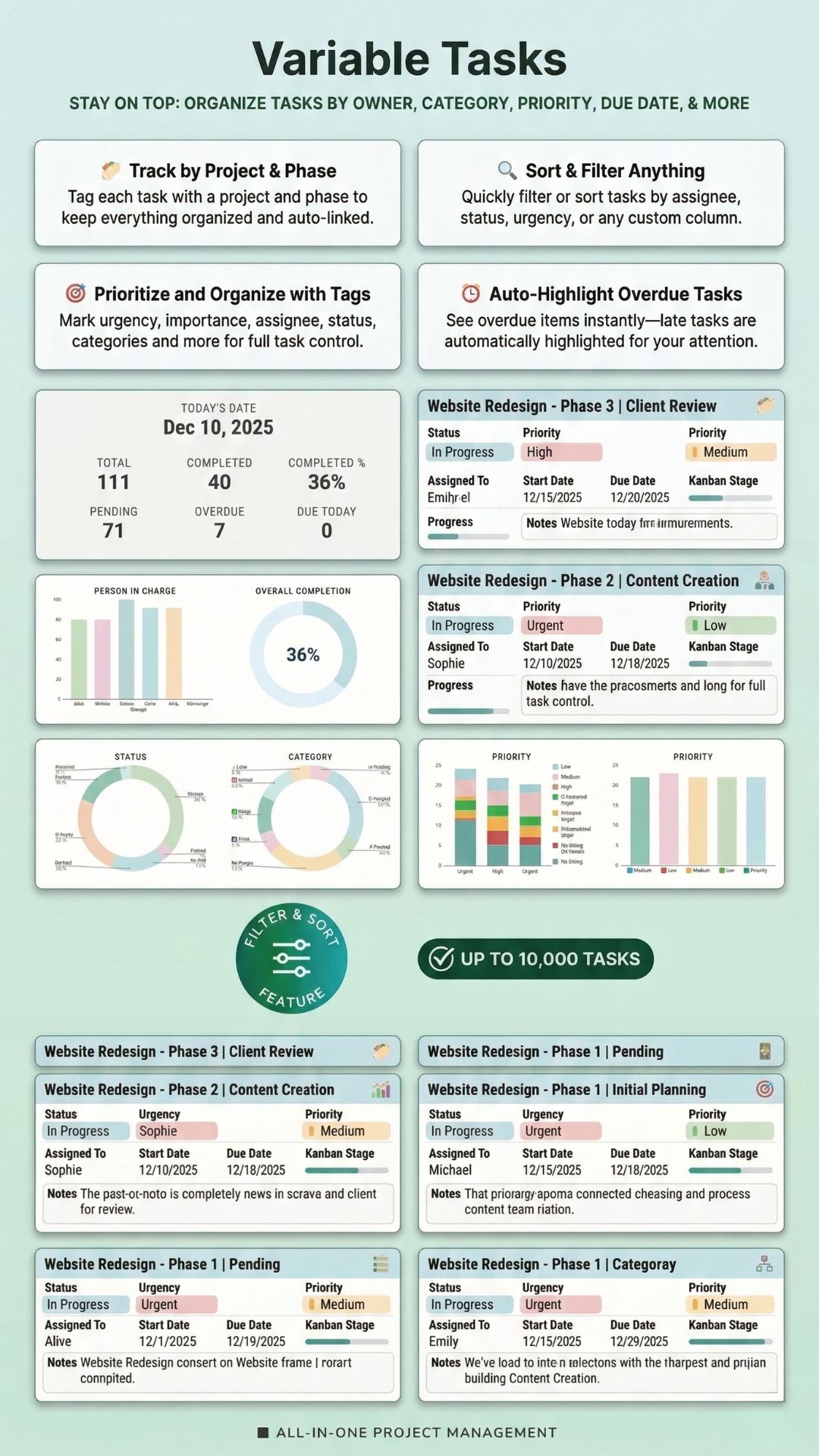
- Dynamic filter & sort on every single view
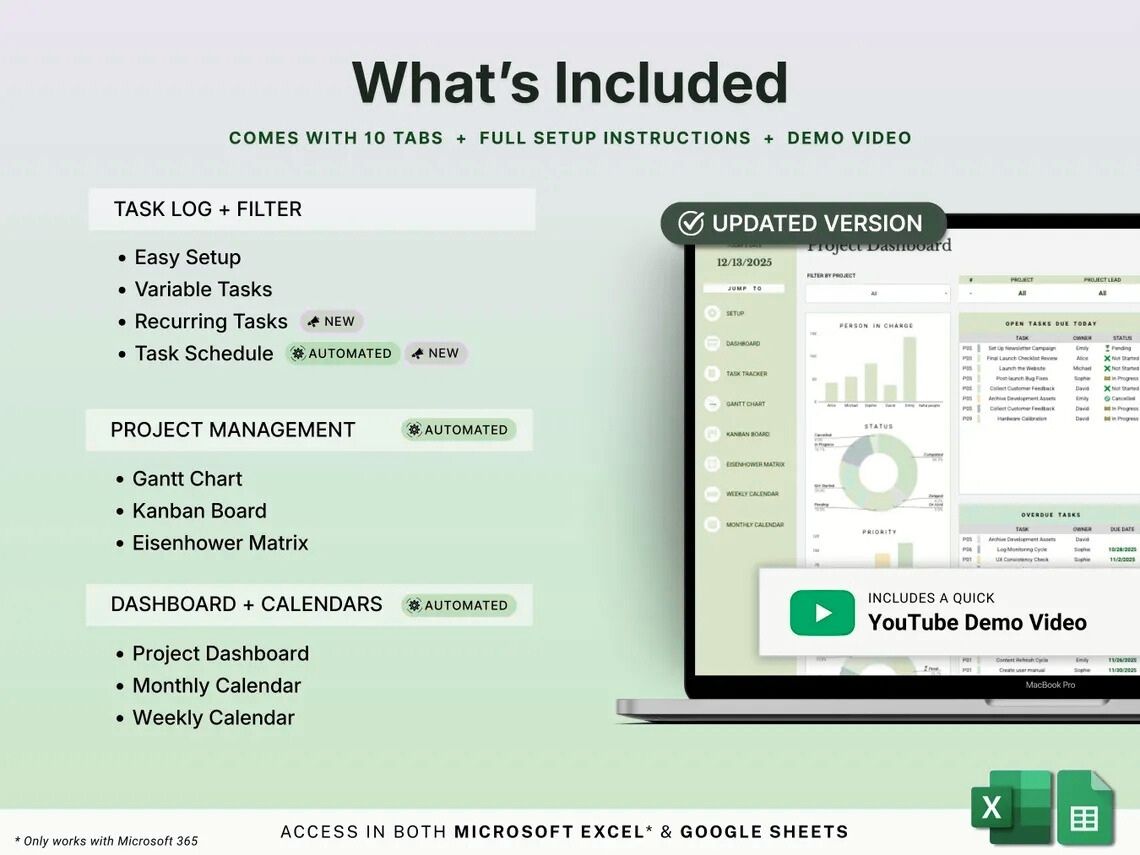
- Full setup guide + YouTube demo video included
Work smarter.
Stress less.
Ship more.
Project Management Toolkit isn't just a set of views — it's a daily operating system. Enter tasks once and everything updates automatically, so you spend zero time on manual re-entry and 100% on actual work.
Save Hours Every Week
Add tasks once — your Gantt, Kanban, Eisenhower, and calendars all update themselves. Recurring tasks fire automatically on schedule so your routines run without lifting a finger.
- No copy-pasting between views
- Recurring tasks set once, repeat forever
- Auto-scheduled task lists every week
This tool cut our project planning time in half. The recurring task automation alone pays for itself every single month.

Reduce Mental Overhead
One spreadsheet replaces a stack of disconnected tools. Overdue tasks are auto-highlighted. The dashboard surfaces everything urgent before you even have to look for it.
- Overdue tasks highlighted in red automatically
- Open tasks due today always visible on dashboard
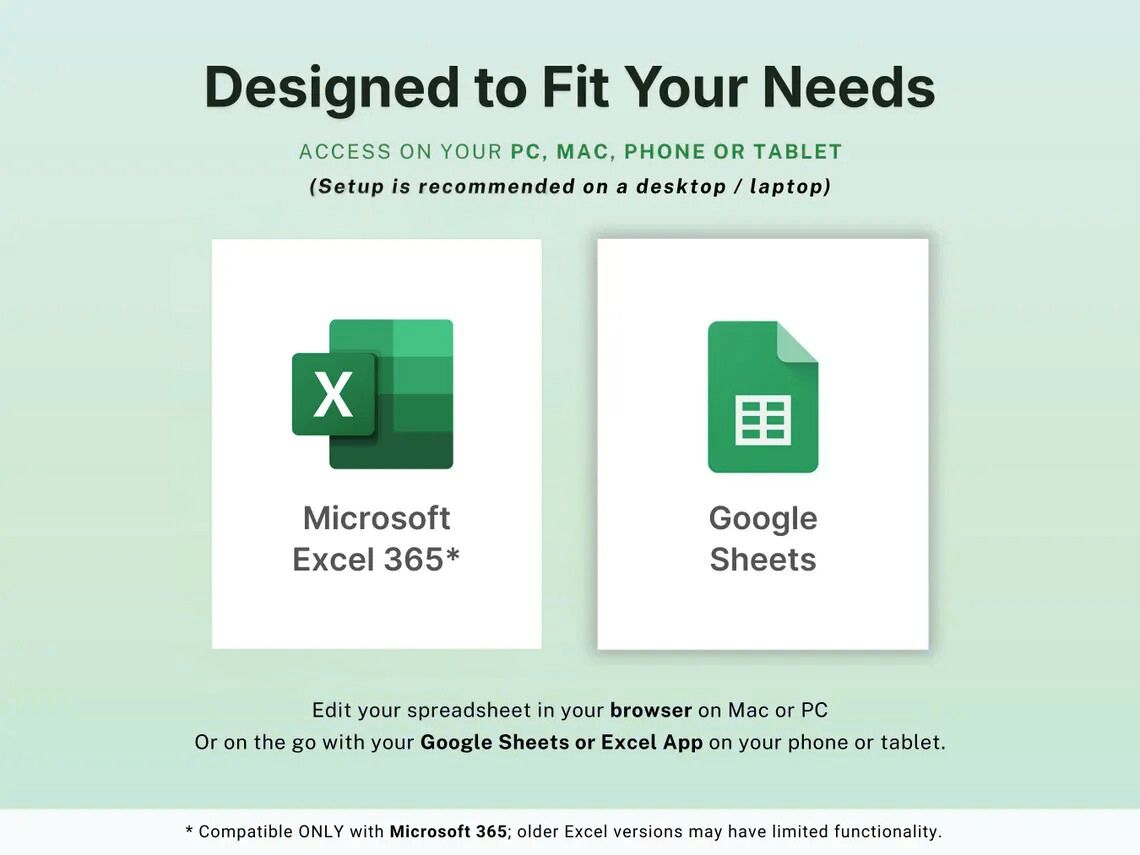
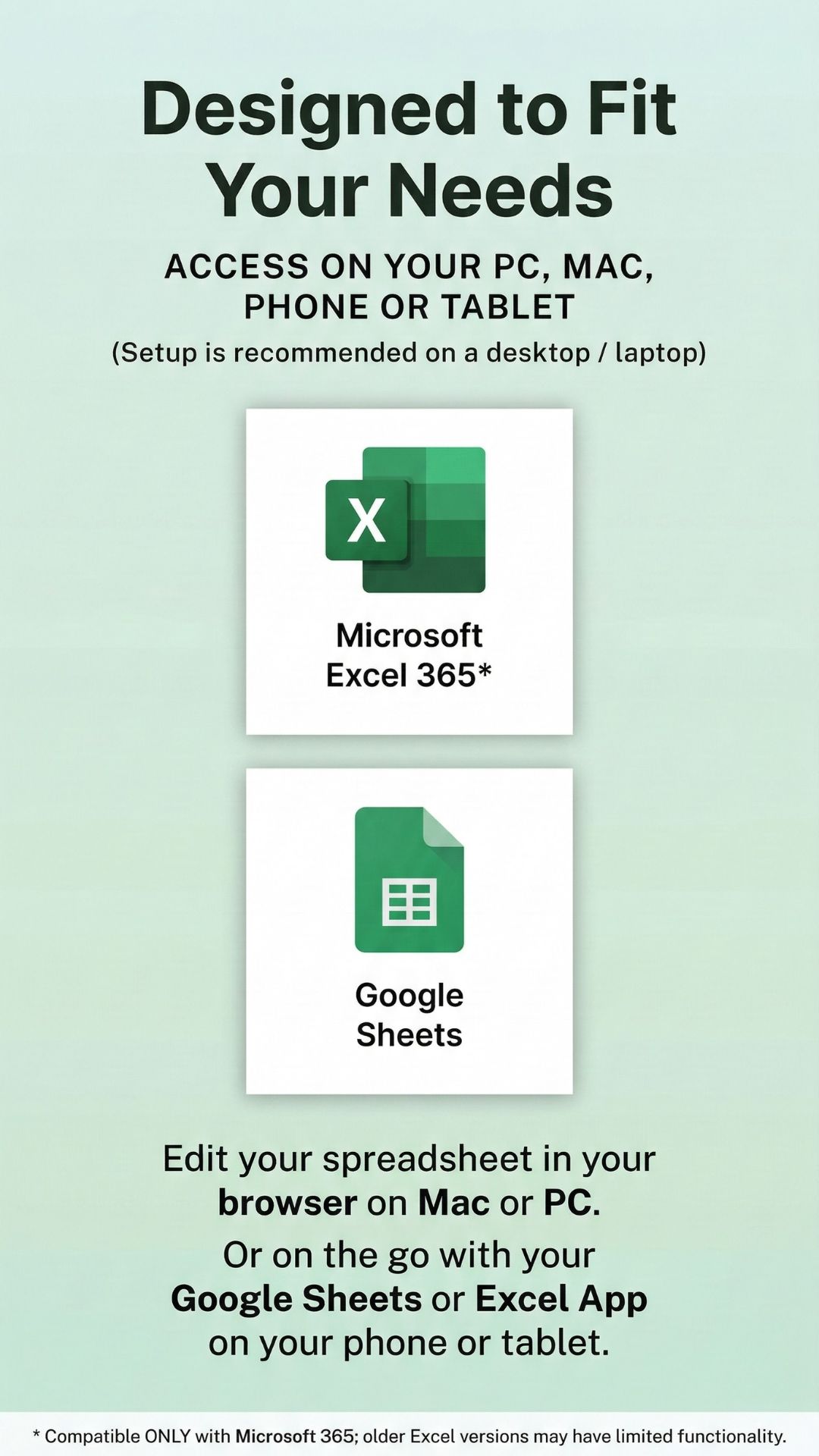
- Works in Excel 365 & Google Sheets you already use
I finally sleep without worrying about missed deadlines. Having everything in one spreadsheet — with auto-highlights — is a game-changer.

Stay Perfectly Organized, Always
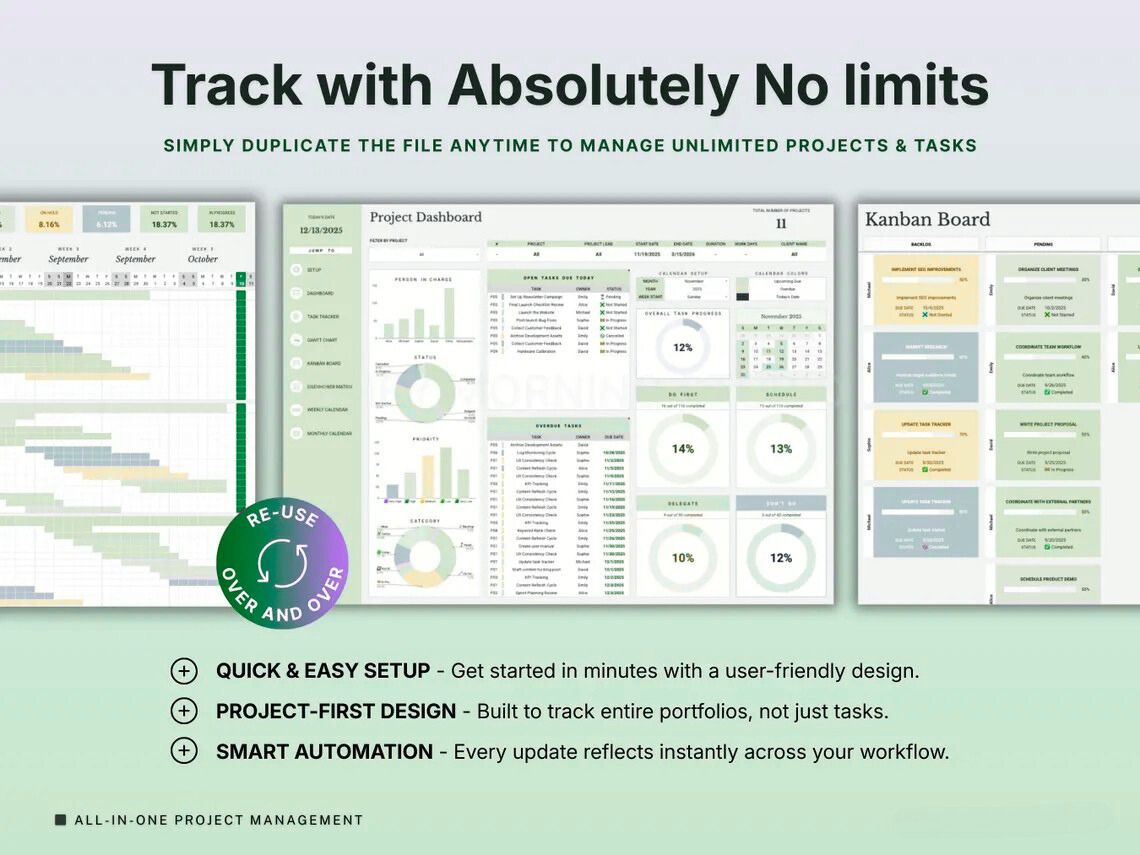
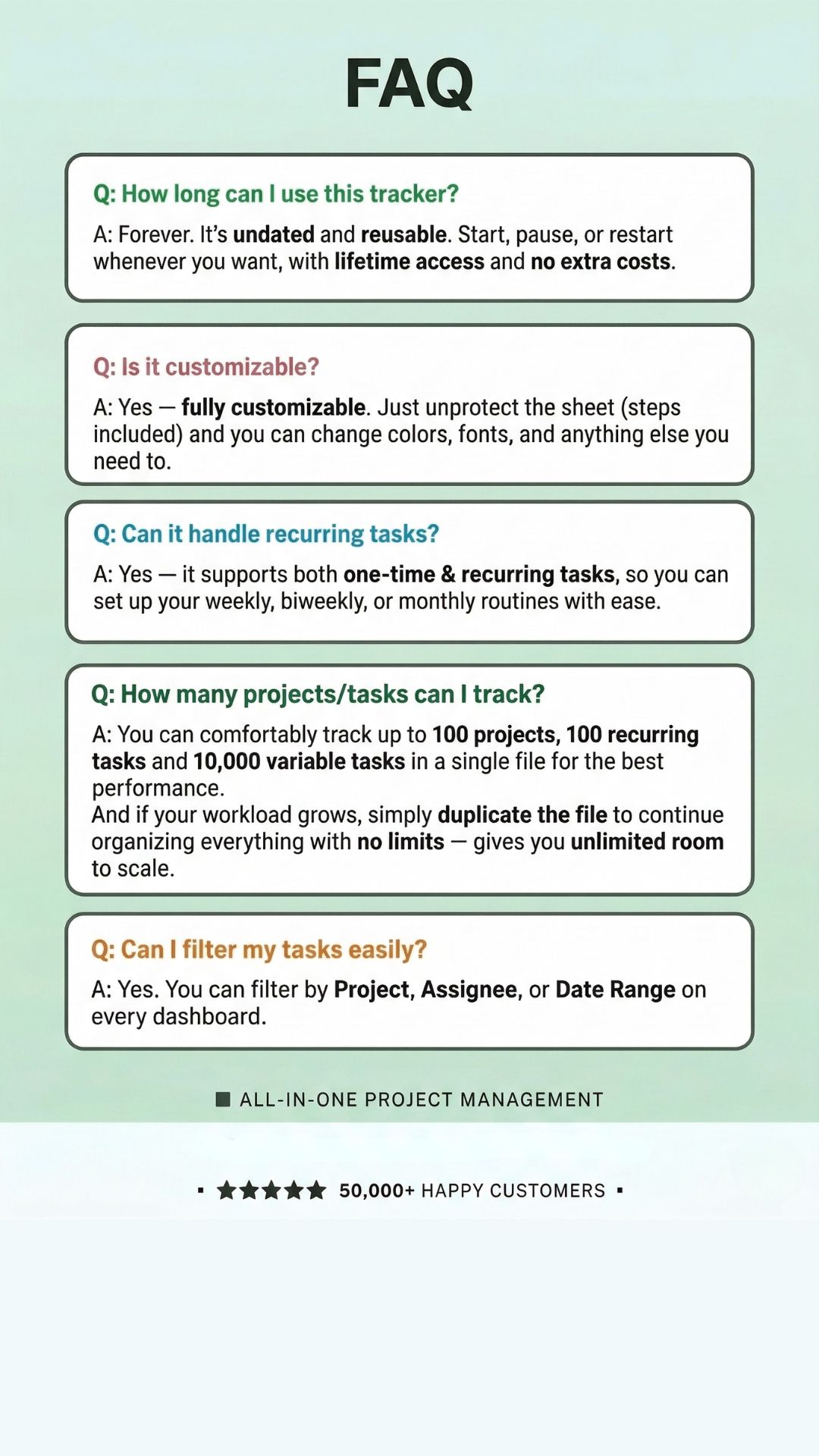
Track up to 100 projects and 10,000 tasks in one file. Every view — Gantt, Kanban, Eisenhower, calendars — shows exactly what matters right now, filtered to your preference. Duplicate the file anytime to scale with no limits.
- Filter & sort on every single view
- Up to 100 projects, 10,000 tasks, 100 recurring tasks
- Duplicate file for unlimited scale
- Fully customizable — colors, fonts, anything
We manage 12 active client projects simultaneously. Before this, things slipped constantly. Now our on-time delivery rate is at an all-time high.

User-Reported Improvements After 90 Days
Survey of 420 teams · 90-day results
Lifetime access.
Free updates forever.
No subscriptions. No seat limits. Buy once, use forever on both Excel 365 and Google Sheets. Full setup instructions and a YouTube demo video included so you're productive from minute one.
- Works on PC, Mac, phone & tablet
- Fully customizable — unprotect & edit anything
- YouTube demo video + setup guide included
The auto-syncing between views is incredible. I update a task status once and the Kanban, Gantt, and dashboard all reflect it immediately. No more maintaining four separate sheets.

As a solo freelancer juggling 8 clients, the recurring tasks feature is a lifesaver. My weekly check-ins and monthly reports populate themselves. I just tick them done.

The Eisenhower matrix auto-sorting tasks by urgency and importance changed how our whole team prioritizes work. We finally stop firefighting and focus on what actually matters.
